Get your OpenAI API key
Get your OpenAI API key for GPT-5.5, GPT-5.4, and GPT-4o
OpenAI API keys give you access to the entire GPT model family. You need an OpenAI Platform account — this is separate from a ChatGPT Plus subscription.
sk-proj-Minimum $5 top-up required. Free tier limited to 3 requests/minute.
Available models on Mykey
Step-by-step guide
Create an OpenAI Platform Account
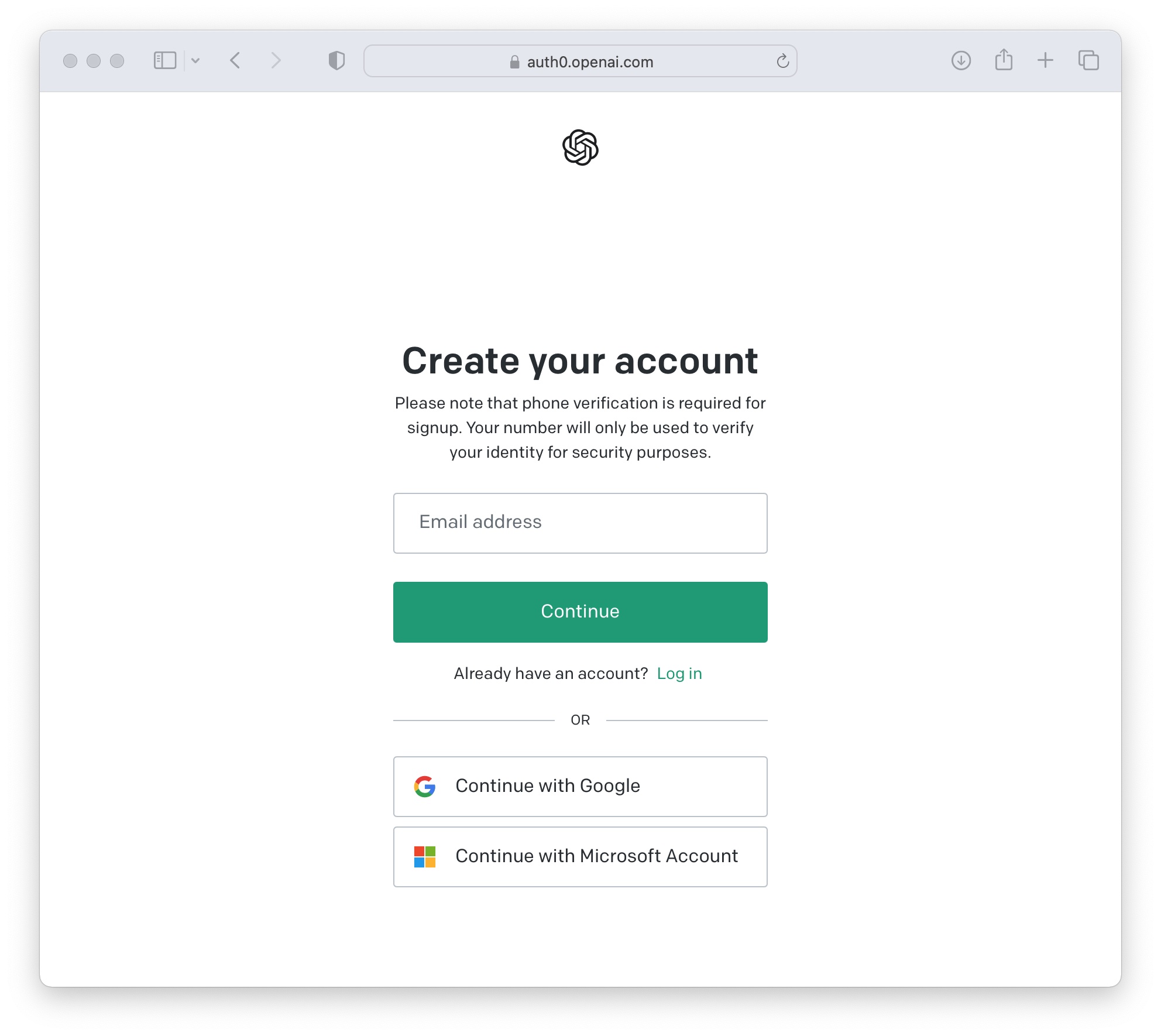
Go to platform.openai.com and sign up.
- Go to https://platform.openai.com
- Click "Sign up" (or "Log in" if you already have an account)
- Register using email + password, or sign in with Google / Microsoft / Apple
- Verify your email address if prompted
You can use existing ChatGPT credentials — accounts are shared — but billing is separate.
Verify Your Phone Number (New Users Only)
One-time phone verification required.
- Navigate to API Keys under the Dashboard (left sidebar)
- Click "Start Verification"
- Enter your phone number
- Input the verification code sent via SMS
VoIP and landline numbers may not work.
Set Up Billing
Add a payment method and purchase credits.
- Go to Settings (gear icon) → Billing
- Click "Add payment method" and enter your card details
- Purchase at least $5 in credits (the minimum top-up)
- Optionally set a monthly spending limit to avoid surprise charges
The free tier exists but is very limited (3 requests/minute). Adding even $5 unlocks Tier 1 with 500 requests/minute.
Create a New API Key
Generate your secret key from the API Keys page.
- Go to https://platform.openai.com/api-keys
- Click "Create new secret key"
- Name: Give it a descriptive name (e.g., "Mykey Chat")
- Project: Select your project (or "Default project")
- Permissions: Choose "All" for full access
- Click "Create secret key"

Copy and Save Your Key
Your key is shown only once — copy it immediately.
- Copy the key immediately — it is shown only once
- Format: sk-proj-xxxxxxxxxxxxxxxxxxxxxxxxxxxx...
- Store it securely in a password manager or .env file
- Never commit it to version control or share it publicly
If you close the dialog without copying, you must delete the key and create a new one.

Add Your Key to Mykey.chat
Connect your key in Mykey settings.
- In Mykey.chat, go to Settings → API Keys
- Select OpenAI as the provider
- Paste your API key
- Click Save — the key is encrypted with AES-256
Common issues
| Issue | Fix |
|---|---|
| No API key provided | The key wasn't copied completely — create a new one |
| Insufficient quota | Add more credits in Billing settings |
| Rate limit exceeded | You're on the free tier — add billing for higher limits |
| Key won't save in Mykey | Ensure no extra spaces or line breaks when pasting |
Frequently asked questions
Do I need a ChatGPT Plus subscription?
No. API access is completely separate from ChatGPT Plus subscriptions. You need an API key from the developer platform, which uses pay-as-you-go billing.
How much does the OpenAI API cost?
OpenAI uses pay-as-you-go pricing per token. Visit their pricing page for current rates. A typical conversation costs a few cents.
Ready to connect your OpenAI key?
Sign in to Mykey and paste your API key in Settings. It will be encrypted with AES-256 immediately.
Sign in to Mykey